Welcome to the Summer 2026 release notes for the HLS system. We have introduced several key enhancements, automated integrations, and system updates designed to streamline facility inspections and management. Below, you will find details on recent updates as well as spotlights on existing tools to help you get the most out of the system.
New Features & System Updates
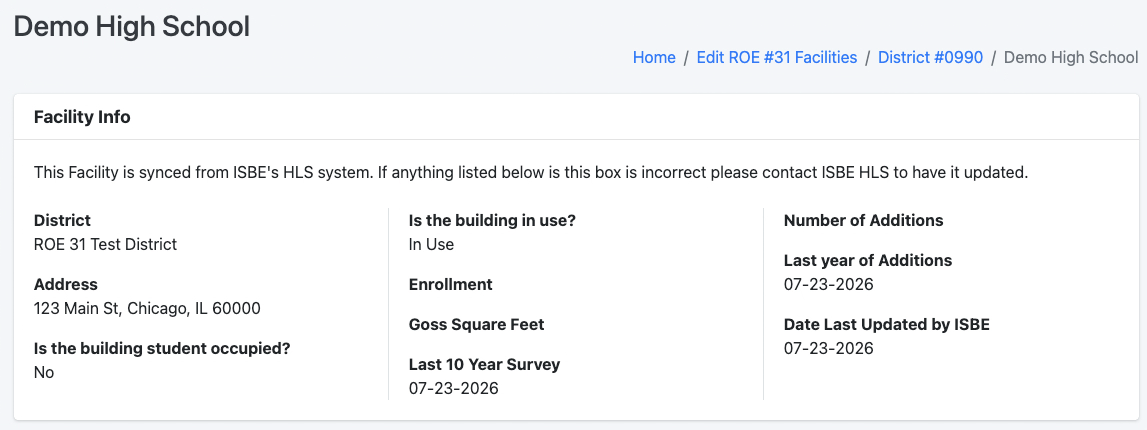
Automatic Facility Pulls from ISBE
Through a new data-sharing agreement between Kane ROE and ISBE, facilities are now automatically pulled from ISBE’s HLS system on a nightly schedule.
Mirrored Records: All facilities in the HLS system now mirror ISBE’s HLS system inventory exactly.
Updating Facility Data: Because facility records are populated directly from ISBE, any missing facilities or required facility updates must be submitted directly to ISBE’s HLS team. Once ISBE updates their records, the changes will automatically reflect in the HLS system following the next nightly sync.
 Linking Educational Entities to Facilities
While quietly introduced during the previous school year, we are officially announcing this feature!
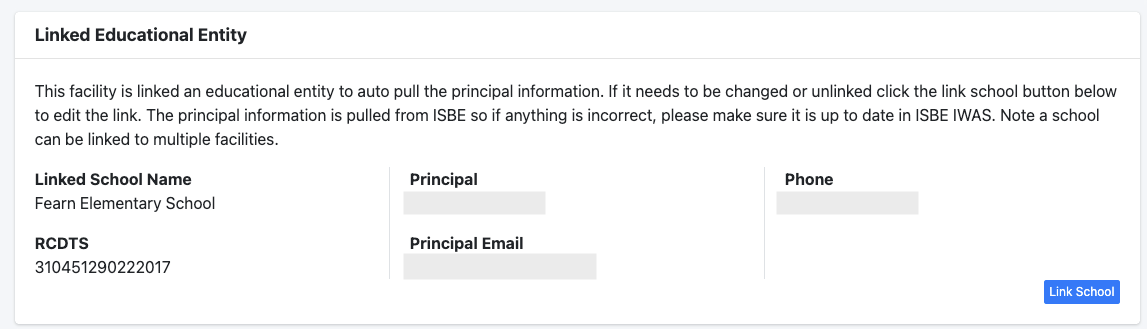
You now have the ability to link a facility directly to an educational entity to automatically pull building administrator details.
Automated Administrator Syncing: Entity data is pulled nightly from ISBE’s Entity Profile System (EPS). Whenever a district logs into ISBE’s IWAS system and updates an administrator, the update will automatically display in the HLS system the following day—eliminating the need to manually update administrator information.
Manual Override for Non-Educational Facilities: For facilities that do not have associated educational entity data (such as a bus barn or maintenance facility), you can still manually assign building administrators directly within the HLS system.
Inspection Mobile App Upgrade
We will be switching to the Claris FileMaker Go 2026 app for iPad-based facility inspections.
Required Action: Please ensure you download both the new FileMaker Go 2026 app and the updated HLS mobile app prior to conducting upcoming inspections.
Updated Glossary Numbers
The HLS system has been fully updated to align with the new ISBE glossary numbers.
Expanded Knowledge Base
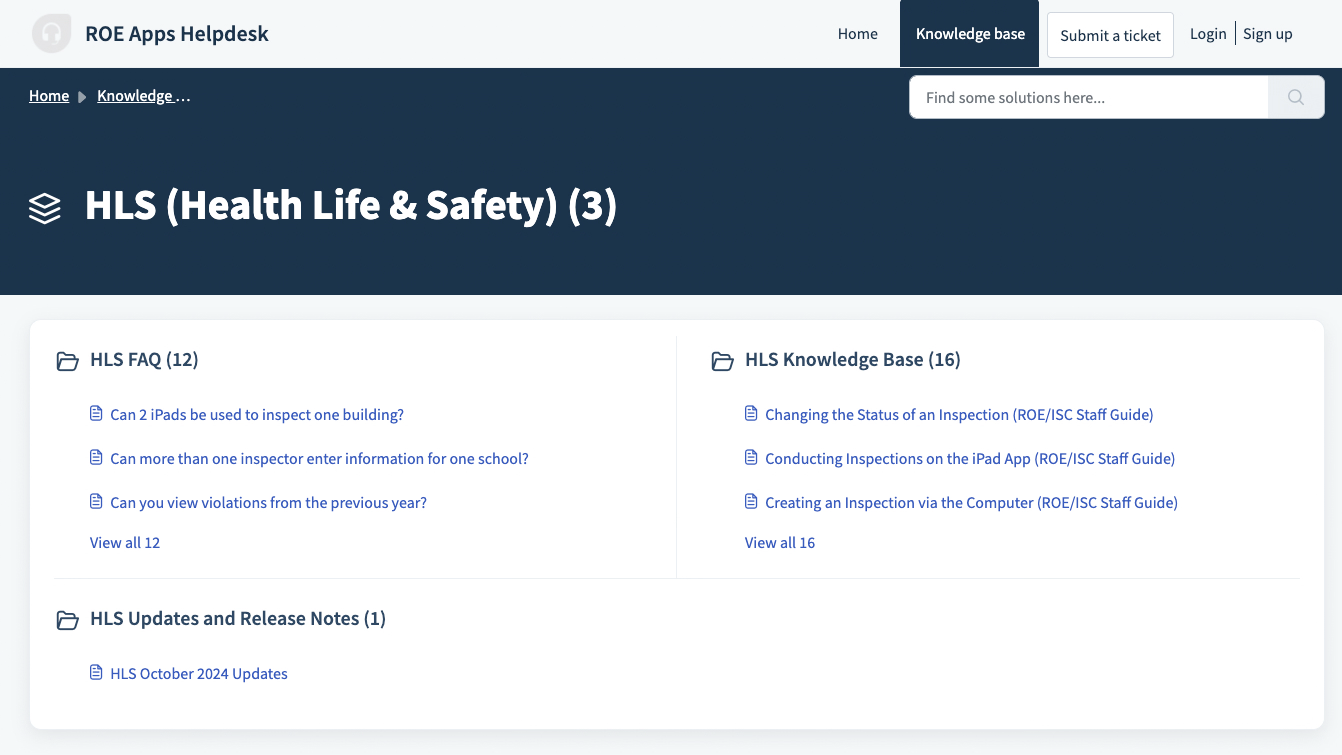
We have been working on creating a more in-depth support hub featuring updated step-by-step how-to articles and comprehensive FAQ sections.
Support Portal: Visit support.roeapps.org to search for answers or learn how to navigate the system.
Feature Spotlight: Recommended Tools
We want to highlight a few powerful features released in past updates that are underutilized but offer significant time savings for staff:
District-Level Facility Managers
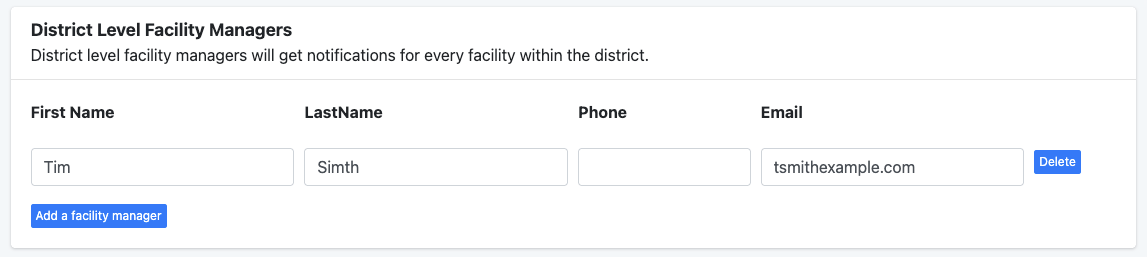
Located within the Manage District section, this tool allows you to assign facility managers at the district level across all district buildings simultaneously.
Key Benefit: Eliminates the need to add district-level facility managers to every individual building one by one.
How It Works: Users designated in this section are assigned as facility managers for every building in the district. While they do not display under individual school building contact lists, they will automatically receive all system email notifications sent regarding those facilities.
Best Practice: We recommend periodically reviewing your facility managers to ensure contact lists remain accurate and up to date.
Linking Fire Departments & Managing Contacts
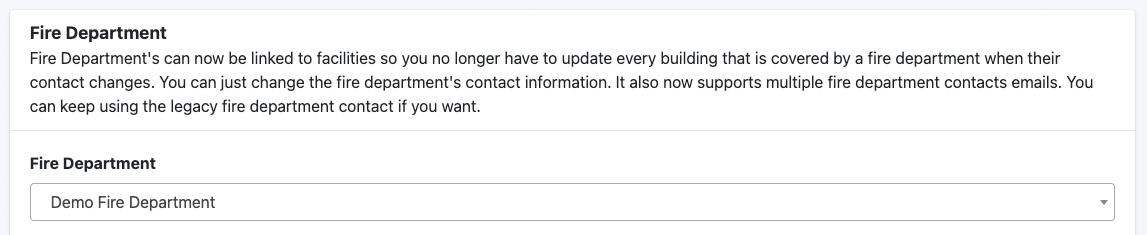
You have the ability to link local fire departments directly to specific facilities within the Edit Facility menu.
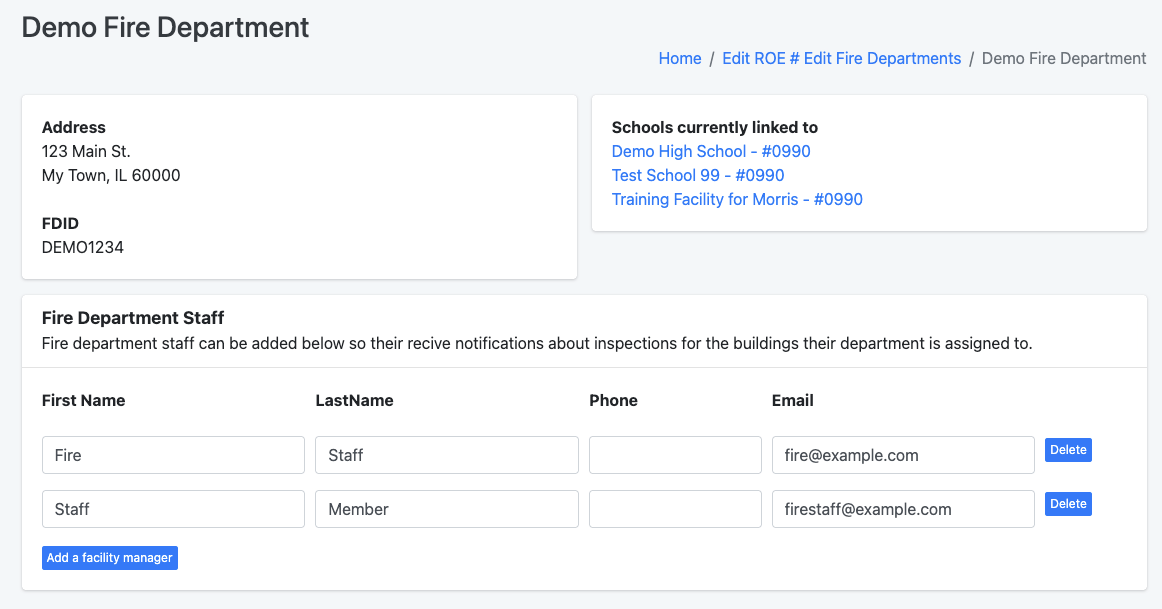
Simplified Turnover Management: If a fire department experiences staff turnover, updating the central fire department record automatically updates contact details across every associated building, eliminating repetitive edits.
Unlimited Contact Assignments: You can now add an unlimited number of fire department contacts per department, removing past restrictions that limited records to a single person.
Management Options: Manage fire department master records by clicking the Manage Fire Department button on your dashboard, then associate them with specific facilities inside the facility editor.
Guide: How to associate a fire department to a facility and manage fire department contacts
Was this article helpful?
That’s Great!
Thank you for your feedback
Sorry! We couldn't be helpful
Thank you for your feedback
Feedback sent
We appreciate your effort and will try to fix the article